Reliable internet on set isn’t optional anymore. Between live client approvals, cloud backups, and file transfers, you need a connection you can count on. Here’s what works for getting online when you’re not near a router.
Why Use a Dedicated Wireless Solution?
Relying on your phone’s hotspot for professional shoots isn’t practical. Phones aren’t optimized for continuous, high-bandwidth demands or extended battery use, and their limited range and signal stability can compromise the shoot’s workflow. Dedicated wireless equipment ensures stable and robust connectivity, essential for real-time image review, streaming, and client approval.
Hotspots, Routers, and Wireless Video Transmitters
- Mobile Hotspots. Portable, battery-powered, and connect directly to LTE or 5G networks. Great for simple tasks or shoots needing basic internet connectivity in remote areas. Always check coverage maps and/or carry multiple SIM cards if the router is unlocked.
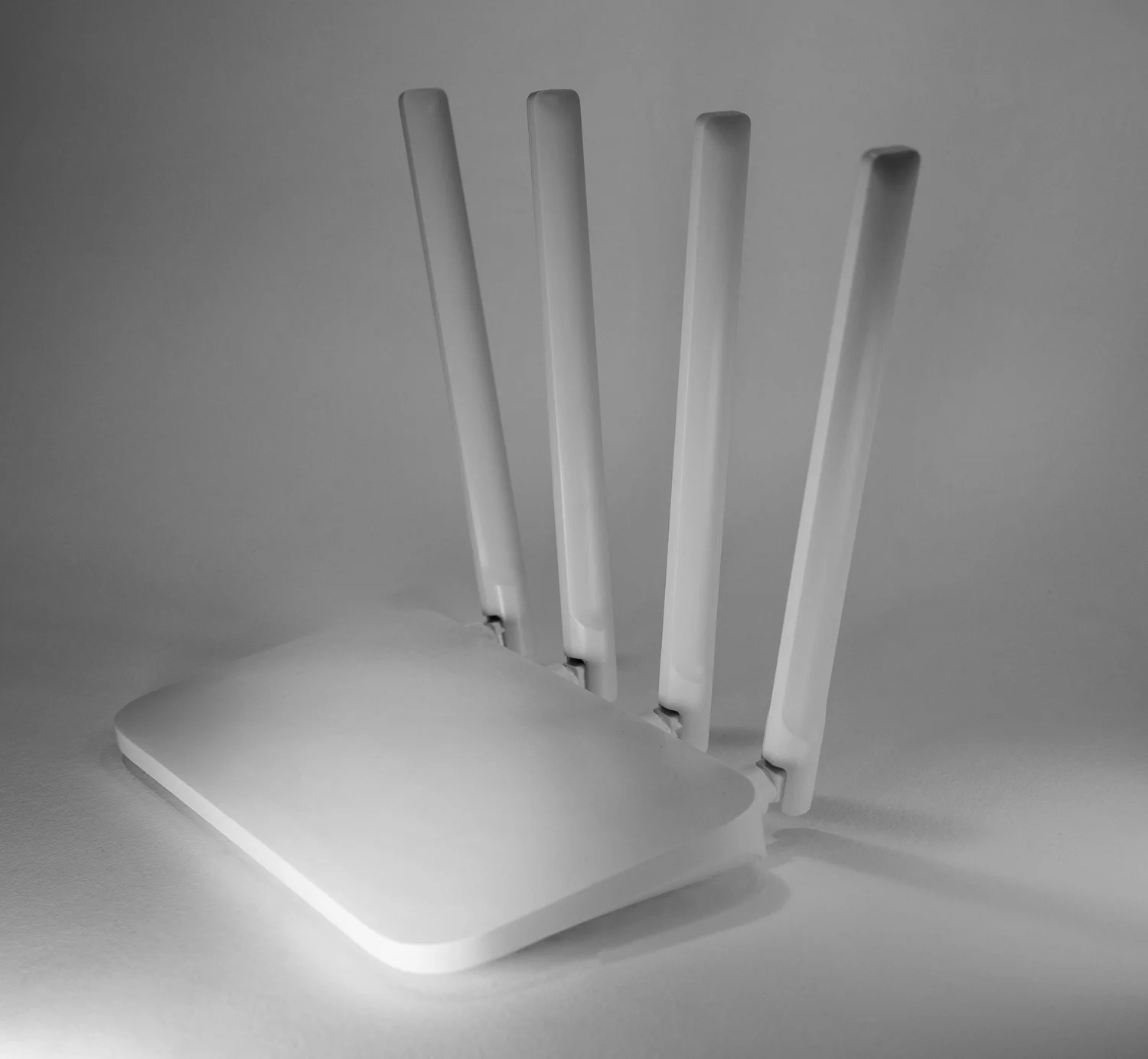
- Wireless Routers (Battery-Powered or DC-powered). Ideal for creating a local, stable network on-set. Routers running on DC power around 12V are easy to integrate with battery packs using a PD trigger cable. Many brands now support mesh or extending range with additional units.
- Wireless Video Transmitters (Accsoon Cineview, Hollyland 4K). Provide both video transmission and local Wi-Fi networks, making them perfect for managing video feeds and/or acting as a hotspot simultaneously. Limited to the range of the transmitter and cannot join other existing networks.
Choosing the Right Solution for Your Shoot
Location Shoots (Internet Not Necessarily Required)
Recommended: DC-powered portable Wi-Fi routers or wireless video transmitters like the Teradek Cube/Link or Hollyland 4K. These solutions offer stability, reliable internal networking, and ease of setup using batteries or power stations (EcoFlow, etc.).
Studio or Indoor Location with Available Internet
Recommended: Pro-level solutions such as Teradek Link, Ruckus, or UniFi systems, or high-performance portable routers like TP-Link Archer AX series and ASUS RT series. These professional-grade systems offer robust management controls and scalability for high-density demands.
Remote Location Requiring Internet Access
Recommended: High-quality mobile hotspots such as Netgear Nighthawk M6 or MiFi by Verizon/T-Mobile combined with a robust portable router. Provides stable internet in remote areas while distributing connectivity across multiple devices.
Tips for Optimal Performance on Set
- Device Placement. Position routers or transmitters away from signal interference and at an elevated location. Ensure antennas are not facing down or into solid objects.
- Battery and Power Solutions. Choose equipment supporting 12V DC inputs to simplify power management. Pair them with USB-C PD trigger cables and reliable power banks.
- Selecting the Right Gear. Invest in trusted brands known for reliability: Teradek, Hollyland, Netgear, ASUS, TP-Link, Ruckus, or UniFi.
Popular Models Recommended by Industry Pros
Wireless Video Transmitters
- Hollyland 4K Wireless System
- Accsoon Cineview HE
Mobile Hotspots
- Netgear Nighthawk M1/M6
- Verizon Jetpack MiFi 8800L
Portable Wi-Fi Routers
- Teradek Link
- GL.iNet Slate AX
- GL.iNet Beryl AX
Pro-level Solutions
- Ruckus Wi-Fi Systems
- UniFi Access Points
A reliable connection on set is one of those things you don’t think about until it’s not there.