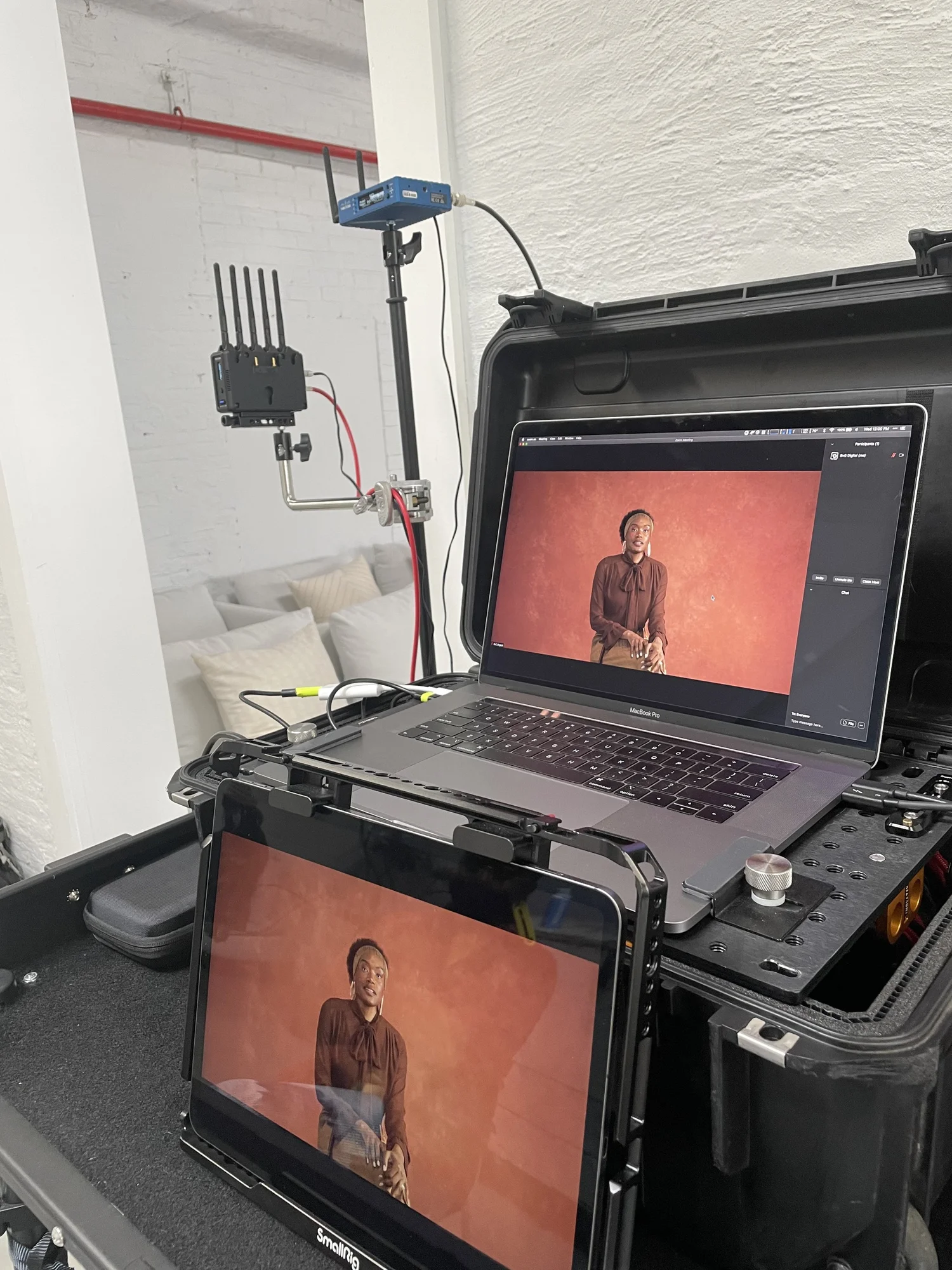
There’s no single best wireless monitoring setup. The answer changes based on the shoot, the client, the budget, and how much infrastructure you want to carry. Here’s how I think about it and what I actually use.
iPads: Flexible and Self-Powered
iPads are thin, light, and run on their own internal battery. You can recharge them from a USB-C battery pack, and a single Hollyland transmitter can feed multiple iPads simultaneously without needing a dedicated receiver and battery for each one. That’s a big deal when a client wants three people reviewing images wirelessly — you’re not tripling your receiver and power budget.
The tradeoff is that WiFi-based transmission is the weakest solution in my opinion. Range is limited, interference is real, and you’re sharing bandwidth with every other WiFi device you are running on set. But for flexibility and portability, nothing beats it. If you need a quick client review setup with minimal gear, iPads are the move.
Dedicated Monitors: Osee and SmallHD
When you need something more robust, monitors like the Osee Megamon 15 or SmallHD Cine24 earn their place. They take gold mount or V-mount batteries natively, have built-in mounting points, and don’t need a cage — which on an iPad basically adds 50% to the buy-in just to mount it properly.
These are the right choice for larger sets, or any situation where you need the monitor to stay put and stay powered all day without babysitting it.
Eizo With a Wireless Receiver
Sometimes the job demands the best possible color accuracy and nothing else will do. In those cases, I’ll run an Eizo with a wireless HDMI Teradek receiver and an EcoFlow battery to power it for the day. It’s heavier infrastructure, but when color-critical work is on the line and we have a way to view the screen in a controlled environment, a calibrated Eizo is a calibrated Eizo. No tablet or portable monitor matches it.
Teradek
On bigger productions, especially when you’re working alongside a motion team Teradek is worth the investment. The range is better than consumer-grade transmitters, and they play well with other wireless systems that are already on set. When there are three or four other wireless video feeds flying around, you don’t want your monitoring to be the one that drops.
Hollyland and DJI
While not always considered the top tier of wireless transmission due to color and frame delays, DJI and Hollyland are both great contenders. Hollyland bundles wifi and wireless into one unit for both iPad and monitor work within one ecosystem, something Teradek does not do, which simplifies the setup and parts needed to get running. DJI on the other hand has been steadily used by VTR ops for extreme long range but sacrificing color and potentially making other wireless around it hard to operate.
Always Have a Wired Backup
Wireless monitoring works until it doesn’t. RF interference, range limitations, signal degradation from obstacles are real and all of it can happen mid-shoot and change from setup/ testing to game time. Before any job where wireless is the plan, test the location in advance, set clear expectations with the client about what wireless can and can’t do, and always have a wired fallback ready.
The right wireless monitoring setup isn’t about picking the “best” option. It’s about matching the tool to the job and knowing the limitations of each one.