File management sounds boring until someone loses a day’s work. I’ve seen files overwritten because a drag went to the wrong folder. I’ve seen backup software report success when the file sizes didn’t match. I’ve seen people assume a transfer completed because no error popped up, only to find out later that half the files were corrupted or missing.
This is why I built Final Pass — a verification tool that double-checks your transfers after the fact. But the app is the last line of defense. It only works if you’ve built your workflow on a solid foundation.
Start With Hardware You Trust
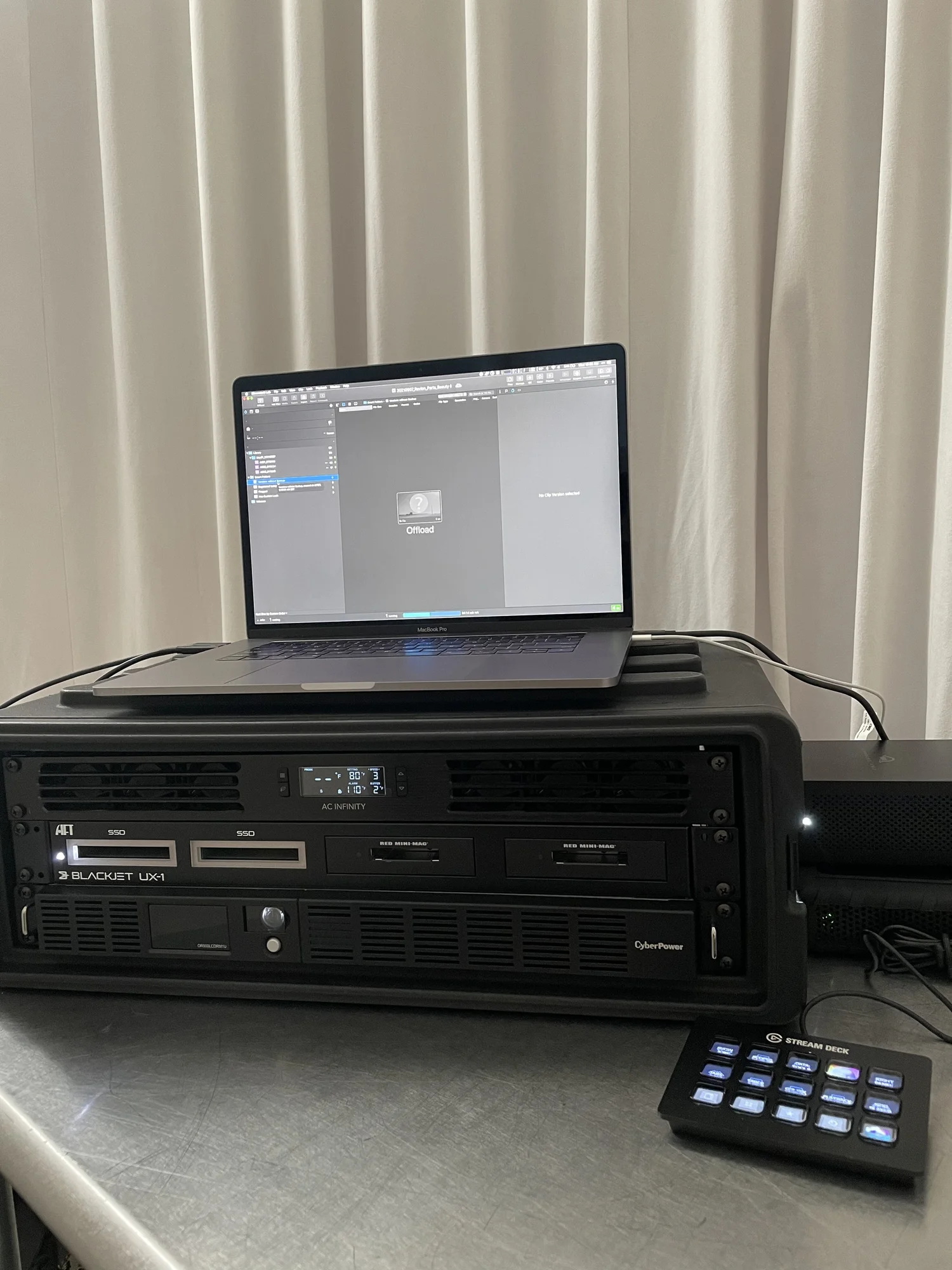
You need to know your hardware works before you get to set. If you’re testing every cable on shoot day trying to figure out where the slowdown is coming from, you’ve already lost.
Card readers should match the speed of your media. A UHS-I reader on a UHS-II card is leaving performance on the table. Cables should be high-quality USB-C or Thunderbolt — not the ones that came free in a box.
The biggest trap I see is Thunderbolt docks. A TB4 dock with four USB-C ports looks great on paper, but plug four drives into it and you’re splitting the bandwidth four ways. You’re not getting four fast transfers — you’re getting four slow ones. A TB3 dock with a single Thunderbolt port at full throughput will outperform it for large transfers every time. Understand your hardware’s actual throughput, not the marketing number.
Follow a Consistent File Structure
Check with the client first — they may already have a naming convention. If they don’t, use something predictable:
YYMMDD_Client_Shoot_Photographer_Counter
And follow the 3-2-1 backup rule:
- 3 copies of your data
- 2 different storage types (internal SSD, external SSD, camera card)
- 1 offsite backup (for multi-day shoots)
Software like Hedge or ChronoSync can automate your offloads and reduce human error, but verify the results. Automation is only as good as the confirmation step.
Deliver Based on What the Client Needs
- Cloud. WeTransfer, Dropbox, or Frame.io for quick online delivery of selects or low res files.
- Physical drives. SSDs for in-person handoffs.
- Client portals. Shared folders for repeat clients.
Match the delivery method to the job. A quick editorial shoot doesn’t always need a big physical drive, often uploading the few selects to a web portal like Dropbox can be enough and the photographer can keep an additional copy to keep costs down. Whereas, a commercial shoot shouldn’t go through WeTransfer or Drive when you have hundreds of gigabytes a day to deliver to the client.
Verify Everything
Don’t trust that a transfer worked because it looked like it worked. Check file counts. Check file sizes. Take a screen shot of these comparisons so you can include it on the drive. Always run a verification pass before handing off drives. This is exactly what Final Pass does — it compares source and destination or capture and export to make sure nothing was missed but it too is only one part of the equation. Build verification into your workflow and it becomes automatic. Skip it and you’re gambling with someone else’s shoot day and your .